
Lightware Visual Engineering has augmented its Microsoft Teams Rooms on Windows (MTROW) integration with GPIO Button control.
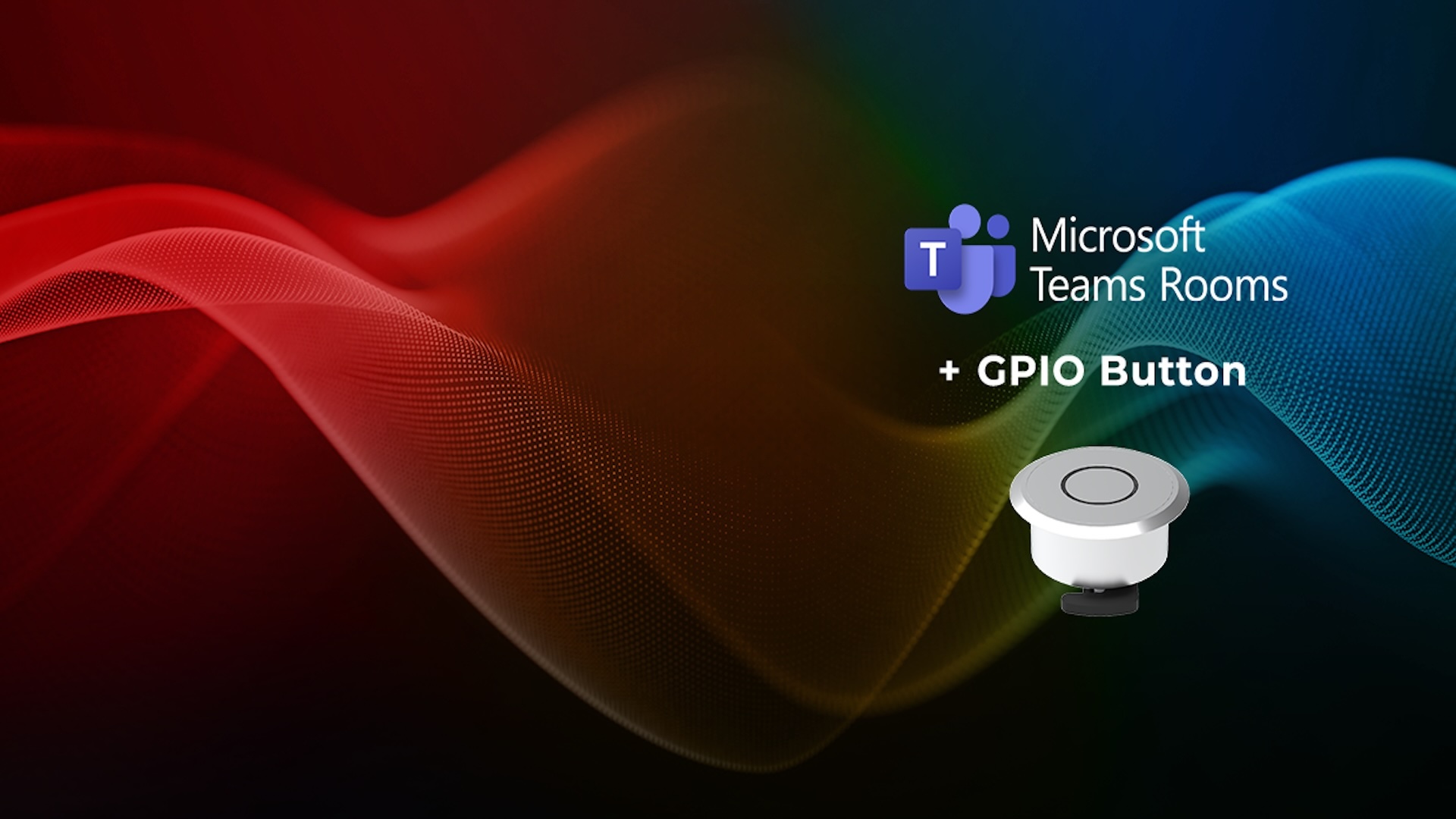
Visual Engineering: Lightware Adds GPIO Button Control to its MTROW Integration
Lightware has introduced a physical General Purpose Input/Output (GPIO) Button control to its MTROW integration, offering users a way to switch between the native Microsoft Teams system and Bring Your Own Device (BYOD) operation.
The company’s rationale for this development is what it sees as an increasing need to accommodate different users and meeting scenarios. Users may need to connect their own laptops to use a room’s camera, microphone, speakers or displays, for example. The GPIO button is designed to give users direct physical control over the operating mode they want to use.
Connects to existing platforms
The GPIO button is designed to connect directly to the company’s existing Taurus UCX and TPX platforms. It enables users to bypass the Companion App and Microsoft Team call-status monitoring. The aim, the company says in its official release, is to provide “a reliable, always-available control method that can help simplify room operation and reduce support requirements, while remaining independent of network connectivity and background service states.” The button allows the user to toggle between the MTR system and BYOD operation with a single press.
Lightware Advanced Room Automation (LARA) is the switching and routing system behind the physical interface. It ensures that the appropriate video and USB resources are assigned automatically when the user changes the operating mode.
“By adding physical GPIO Button control to our Microsoft Teams Rooms on Windows integration,” says Lightware CEO Gergely Vida, “we are giving users more choice over how they interact with the room. The underlying technology can remain sophisticated, while switching between MTR and BYOD operation is reduced to a straightforward button press.”